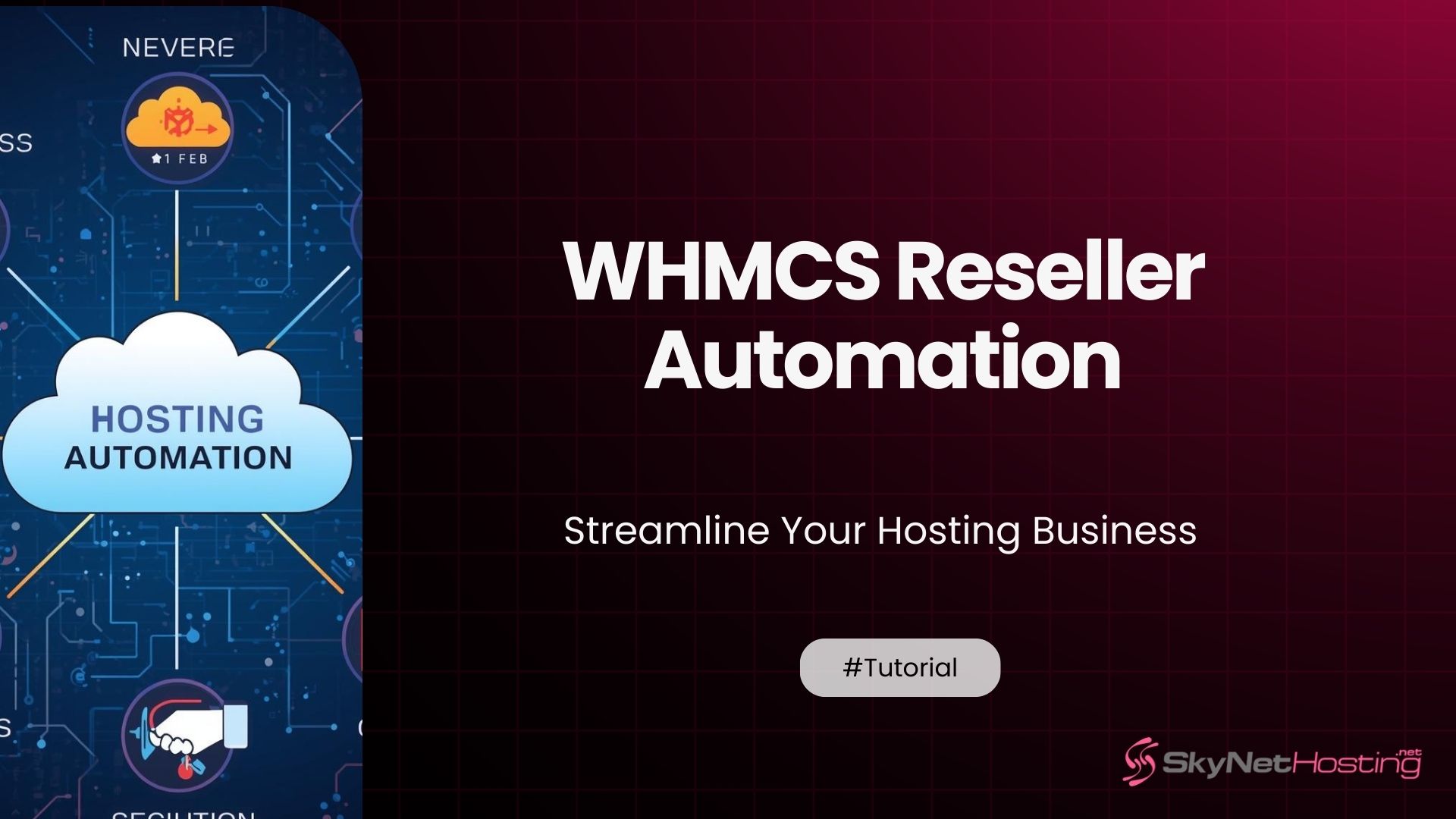
WHMCS Reseller Automation: Streamline Your Hosting Business
TL;DR
- WHMCS reseller automation handles provisioning, billing, support via triggers turning manual tasks into instant client experiences.
- Eliminates errors in account creation, payments, suspensions; scales thousands of clients without extra staff hires.
- Core areas: instant server API calls for cPanel/VPS setup, recurring invoices, overdue automations like suspend/terminate.
- Modules for VPS (SolusVM), shared (cPanel), payments (Stripe); cron jobs execute every 5 minutes reliably.
- Setup: configure products/servers, test $0.01 orders end-to-end before live; monitor activity logs daily.
- Skynethosting.net offers free WHMCS licenses, optimized servers, support for seamless reseller automation launch.
Do you remember why you started your hosting business? It likely wasn’t because you dreamed of waking up at 3:00 AM to manually create a cPanel account for a client in a different time zone.
You probably started because you wanted recurring revenue and the freedom to scale. But here is the hard truth I’ve learned over 10 years in this industry: manual tasks are the silent killer of hosting companies.
Every minute you spend copying and pasting client details from an email into WHM is a minute you aren’t spending on marketing or improving your infrastructure.
This is where WHMCS reseller automation comes in. It’s not just a buzzword; it is the difference between a side hustle that burns you out and a scalable enterprise that runs while you sleep.
In this guide, I’m going to walk you through exactly how to automate your reseller business using WHMCS. We’ll cover everything from provisioning to billing, ensuring you can compete with the big guys without hiring a massive support team.
What Is WHMCS Reseller Automation?
If you are new to the game, WHMCS (Web Host Manager Complete Solution) is essentially the brain of your hosting operation. But having the software isn’t enough; you need to let it drive the car.
Automation definition for hosting resellers
At its core, automation for resellers means setting up triggers and actions. When “Event A” happens (like a customer paying an invoice), “Action B” occurs automatically (the server creates the account and emails the login details).
It transforms your role from an active administrator to a monitor. Instead of doing the work, you are watching the system do the work for you.
How WHMCS reduces manual work
Without automation, a typical client lifecycle looks like this:
- Client orders.
- You check the payment manually.
- You log into your server to create the package.
- You type out an email with IP addresses and nameservers.
- You send it.
With proper WHMCS automation, the client orders, the system verifies the fraud score, charges the card, talks to the server to create the space, and emails the client—all within about 30 seconds. You don’t even have to be online.
Core areas of automation: provisioning, billing, support
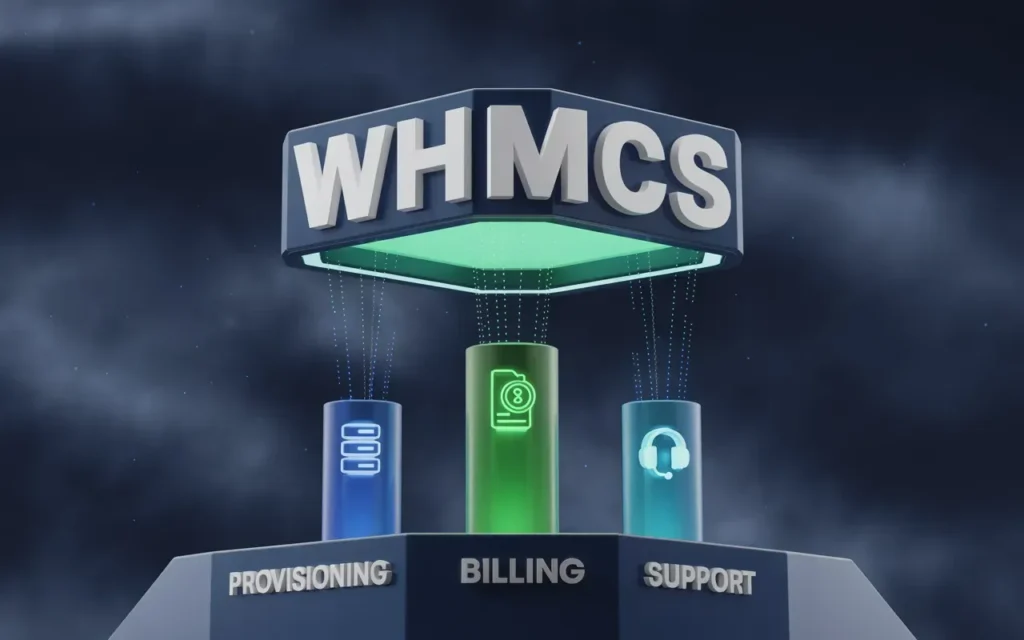
To truly streamline your business, we need to focus on the “Big Three”:
- Provisioning: Creating, suspending, and terminating hosting accounts.
- Billing: Generating invoices, capturing payments, and handling tax.
- Support: Routing tickets to the right departments and providing knowledge base suggestions.
Why Automation Is Crucial for Reseller Hosting
I have seen many resellers try to “save money” by doing things manually. It usually works fine for the first 50 clients. But what happens when you hit 500? Or 5,000?
Scaling client accounts without extra staff
The profit margins in hosting can be tight. If you have to hire a new support technician for every 100 clients just to handle account setups, your margins will disappear.
Automation allows you to manage thousands of accounts with a very small team. Your software creates the accounts, not your staff. This is the only way to effectively scale a USA Reseller Hosting business to a profitable level.
Reducing billing and provisioning errors
Humans make mistakes. It happens. You might accidentally assign 10GB of space instead of 1GB. You might forget to suspend a client who hasn’t paid for three months.
Automation follows strict rules. If the package says 1GB, WHMCS allocates 1GB. If the invoice is 10 days overdue, the system suspends the account. It removes the human error factor completely.
Improving client satisfaction
We live in an on-demand economy. If a customer buys hosting at 11:00 PM, they want to start building their website at 11:05 PM.
If they have to wait until you wake up the next morning to get their login details, they might already be looking for a refund. Automated provisioning gives your clients that instant gratification that builds trust and loyalty.
How WHMCS Automates Reseller Hosting Tasks

Let’s get into the weeds of how this actually works. This is where the magic happens.
Product and service provisioning
This is the most critical workflow. You link your WHMCS products to your hosting server (using a module). When an order is placed:
- WHMCS accepts the order.
- It calls the server API (like cPanel/WHM).
- It sends a command: “Create account ‘user123’ with ‘Plan A’.”
- The server confirms it’s done.
You can set this to happen instantly upon payment, or after you manually accept the order (if you want to screen for fraud first).
Recurring billing and invoicing
Chasing payments is the worst part of any business. WHMCS handles this beautifully. You set the billing cycle (monthly, annually), and the system generates the invoice X days before the due date.
If you have a payment gateway like Stripe or PayPal set up, it can even attempt to capture the funds automatically. If the card fails, it sends a “payment failed” email without you lifting a finger.
Suspension, termination, and renewals
This is where automated reseller hosting saves you from losing money. You can configure automation rules such as:
- 7 days overdue: Suspend the account (website goes offline).
- 30 days overdue: Terminate the account (delete data to free up server space).
This ensures you aren’t paying for server resources for clients who aren’t paying you.
Notifications and client communication
WHMCS comes with a massive library of email templates. You can automate welcome emails, password resets, invoice reminders, and support ticket confirmations. You can even customize these to match your brand voice so they don’t sound robotic.
Must-Have Modules for WHMCS Reseller Automation
WHMCS is the engine, but modules are the wheels. You need the right ones to move forward.
VPS provisioning modules
If you are moving beyond shared hosting and want to Resell Servers and VPS, you need specific modules like SolusVM or Virtualizor. These allow your clients to reboot, reinstall, and manage their VPS directly from your client area.
Shared hosting modules
For standard web hosting, the cPanel/WHM module is the gold standard. However, if you are targeting specific markets, you might look into modules for DirectAdmin or Plesk. Make sure your provider supports these.
Cloud hosting integrations
Cloud is the future. Integrating modules that allow you to resell cloud instances (like AWS or DigitalOcean, or white-labeled cloud from your provider) can expand your product line significantly.
Payment gateway automation
You need to get paid. Don’t rely on manual bank transfers. Integrate automated gateways. Stripe is fantastic for credit cards, and PayPal is a must-have for global clients. There are also crypto gateways if that suits your niche.
Step-by-Step Guide to Setting Up Automation
Ready to turn the key? Here is how to set this up.
Preparing your WHMCS environment
First, ensure your cron job is running. The cron job is the heartbeat of WHMCS automation. It runs typically every 5 minutes to check for tasks (invoices to generate, accounts to suspend). If your cron isn’t working, your automation is dead.
Configuring products and pricing
Go to Setup > Products/Services. When creating a product, there is a “Module Settings” tab.
- Select your module (e.g., cPanel).
- Enter the package name exactly as it appears in WHM.
- Choose your automation logic: “Automatically setup the product as soon as the first payment is received.”
Automating server provisioning
You need to connect your server to WHMCS.
- Go to Setup > Products/Services > Servers.
- Add your server hostname and API token (or password).
- Test the connection.
Once connected, WHMCS can “talk” to your server to create accounts.
Testing cron jobs and automation workflows
Do not skip this. Create a test product priced at $0.01. Sign up for it yourself as a client.
- Did the invoice generate?
- Did the payment go through?
- Did the hosting account get created on the server?
- Did you receive the welcome email?
If any of these fail, check your activity logs immediately.
Best Practices for WHMCS Reseller Automation
Automation is powerful, but “set it and forget it” can be dangerous if you aren’t careful.
Avoid over-automation
Don’t automate everything. For example, while ticket routing should be automated, the actual replies usually shouldn’t be (unless you are using a very smart AI bot). Clients can smell a canned response a mile away. Keep the human touch in your support.
Monitor logs and errors
Make it a habit to check Utilities > Logs > Activity Log every morning. Look for red flags like “Module Command Error” or “Cron Job Failed.” Catching these early prevents a pile-up of angry support tickets.
Set up client notifications correctly
Be careful with your email settings. You don’t want to bombard a client with 15 emails in one minute. Configure your email templates to be concise and combine information where possible.
Ensure SLA and uptime alignment
If your automation promises instant setup, but your server is offline for maintenance, you have a problem. Ensure your infrastructure provider guarantees high uptime. For instance, services like PCIE NVMe SSD Reseller Hosting offer superior speed and reliability, ensuring your automated provisioning doesn’t hang due to server load.
Common Mistakes Resellers Make With WHMCS Automation
I’ve made these mistakes so you don’t have to.
Incorrect module configuration
The most common issue is a mismatch between the package name in WHMCS and the package name in WHM. They must match exactly (case sensitive). If they don’t, the API call will fail, and the account won’t be created.
Not testing automation before going live
I once saw a reseller launch a huge “Black Friday” sale without testing their new automated provisioning. The module failed. They had 500 angry customers and had to manually create every single account. Always test first.
Ignoring failed payments and suspension conflicts
Sometimes a client pays, but the callback from the payment gateway fails. WHMCS doesn’t know they paid, so it suspends them. Keep an eye on your “Gateway Log” to ensure payments are recording correctly.
How WHMCS Reseller Automation Helps Scale Your Business
When you get this right, the sky is the limit.
Adding more clients without increasing workload
With automation, managing 100 clients takes the same amount of effort as managing 10. Your workflow doesn’t change; the system just works a little harder.
Faster onboarding and provisioning
Speed sells. Being able to advertise “Instant Setup” is a huge conversion factor. It reduces the friction between “I want this” and “I have this.”
Efficient recurring revenue management
Automated billing creates a predictable cash flow. You know exactly when invoices are going out and when money is coming in, allowing you to plan your growth and investments.
How Skynethosting.net Supports WHMCS Reseller Automation
At Skynethosting.net, we understand that software costs can eat into your profits. That’s why we support your automation journey directly.
WHMCS-ready infrastructure
Our servers are optimized for WHMCS. We ensure that all necessary PHP extensions and cron capabilities are enabled so your automation runs smoothly.
Pre-configured VPS and shared hosting modules
We offer a Free WHMCS Hosting Automation License (valued at $15.95/mo) with our reseller plans. This isn’t just a discount; it’s the key to your automated business. We also provide integration support for our domain reselling and VPS platforms.
Expert support for automated workflows
If you get stuck connecting your WHMCS to our servers, our team is here 24/7. We have helped thousands of resellers set up their automation. We can guide you through the API connections and module setups to ensure you are ready to sell.
Conclusion
The hosting industry is competitive, but it is also full of opportunity for those who work smart. WHMCS reseller automation is the lever that allows you to move mountains.
By automating your provisioning, billing, and basic support tasks, you free up your most valuable asset: your time. You can spend that time finding new customers, building your brand, or just enjoying your life, knowing your business is running in the background.
WHMCS automation saves time and reduces errors
It removes the bottlenecks that slow down growth. It ensures your clients get what they paid for, instantly and accurately.
Start small, scale automation gradually
You don’t have to automate everything today. Start with account provisioning. Once that is stable, move to billing automation. Eventually, you will have a finely tuned machine.
If you are ready to start your automated hosting journey, check out our Reseller Hosting Plans. We provide the hardware, the software, and the support you need to succeed.
FAQs
What is WHMCS reseller automation?
WHMCS reseller automation sets triggers for events like payments to actions such as server provisioning, invoice generation, client emails. It transforms manual admin into background processes, letting you monitor instead of execute for scalable hosting businesses handling volume efficiently.
Why is automation crucial for reseller hosting?
Manual tasks work for 50 clients but fail at 500 with errors, support overload; automation scales without staff, cuts billing mistakes, delivers instant setups clients expect in on-demand markets boosting satisfaction and loyalty.
How does WHMCS automate provisioning and billing?
Links products to server modules; payment triggers API calls creating accounts, allocating packages exactly. Generates invoices pre-due, captures payments via gateways, suspends at 7 days overdue, terminates at 30 preventing revenue loss automatically.
What modules are essential for reseller automation?
cPanel/WHM for shared, SolusVM/Virtualizor for VPS, Stripe/PayPal for payments; cloud like AWS expands offerings. Ensure cron runs every 5 minutes to process queues reliably without intervention.
How to set up and test WHMCS automation?
Install WHMCS with cron enabled, add servers/products with matching packages, set “auto-setup on first payment.” Test via $0.01 product: verify invoice, provisioning, emails; check activity logs for errors before going live.
How does Skynethosting.net support reseller automation?
Provides WHMCS-optimized NVMe servers, free licenses/modules, 24/7 integration help for APIs/cPanel/VPS. White-label reselling ensures high uptime, speed matching big providers for your branded automated hosting success.